

Still MT5. Just supported by something more serious.
MetaTrader 5 equips you to take on the FX market. FOREX.com puts a regulated broker you can trust behind it.
The largest in the US*. Part of StoneX Group Inc., a Fortune 50 company.
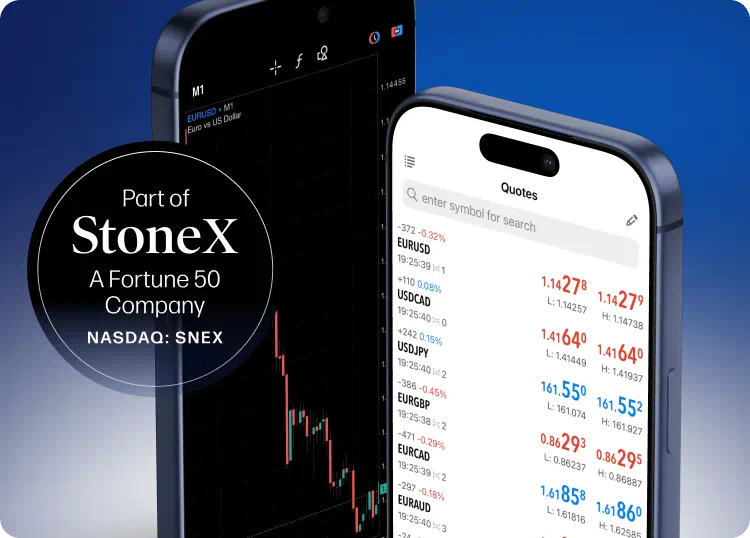
Still MT5. Just supported by something more serious.
MetaTrader 5 equips you to take on the FX market. FOREX.com puts a regulated broker you can trust behind it.
The largest in the US*. Part of StoneX Group Inc., a Fortune 50 company.

As part of the century-old StoneX Group Inc. (NASDAQ: SNEX), we offer more than just trading access. Here we’re supported by institutional-grade financial strength, fund security, and robust regulatory oversight.
**Based on active MetaTrader servers per US broker, February 2026.
Take a few extra tools for your belt

Simpler search function
Type a market name, find it instantly, and avoid scrolling.

Indicators & charting tools

Nine EAs
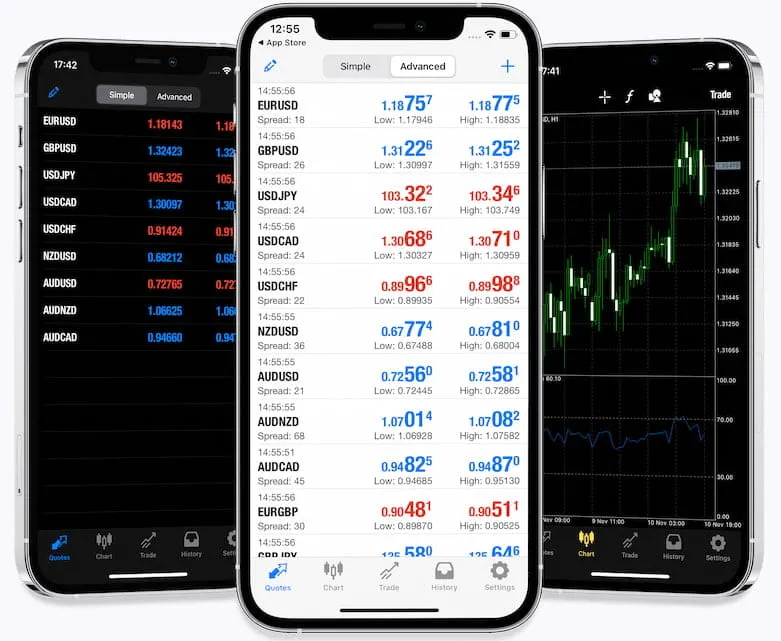
MetaTrader 5 for mobile
-
One-tap tradingGet the option to speed the order execution process with one-tap trading.
-
The largest community of tradersChat or email with others making the most of MT5 and FOREX.com.
-
More tools at your disposalGet 38 technical indicators, three chart types, 21 timeframes, 46 analytical objects.


As a high volume trader, you get white glove service. Among your perks are free VPS hosting, as well as the following:
-
 Reduced costs
FOREX.com paid over $5M in cash rebates and interest in 2025**.
-
 Easy interestEarn up to 10% APY interest on your average daily available margin† balance up to $500k, and an additional 1.5% APY on $500k+
 -
Exclusive momentsEnjoy invites to exclusive events and previews of our products
**The average VIP received over $1,800 in rebates and interest in 2025 disclaimer.

Looking for MT4?

Frequently asked questions
How do I download FOREX.com's free MetaTrader 5 apps?
Download the MT5 version of our MetaTrader EA and indicator apps, open the file and follow the install instructions. Please note that the MT4 version of the apps will not work in MT5.
How do I use EAs on MetaTrader 5?
This video will show you how to upload, run, and set parameters for an Expert Advisor on the MetaTrader platforms. Note that EAs built in MT4 will not work in MT5 and vice versa.
For more platform walkthroughs, click here.
What are Expert Advisors?
Expert Advisors (EAs) are programs that can be used to automate your trading. For MT5, they can be written using the MQL5 language or purchased from a third party. Remember that EAs run locally on your computer and will not execute strategies when disconnected from the server. EAs written for MT4 (using MQL4) will not work in MT5.
For eligible clients, EA hosting services are available to run your strategy on a secure VPS environment. Find out more.
Please note that MetaTrader 5 lets you run more than one Expert Advisor simultaneously.