

Download centre

FOREX.com platforms
Web Trader
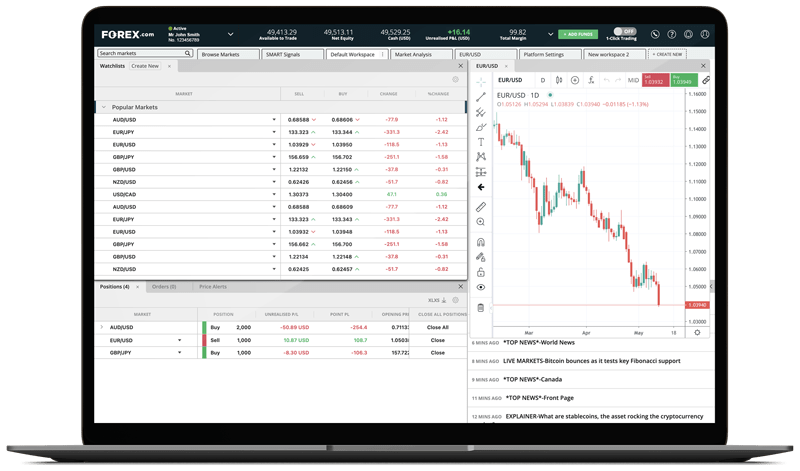
FOREX.com's advanced web-based trading platform is designed to meet the needs of active currency traders.
Log into Web Trader ▸
iPhone app
Android app
TradingView: Available for FOREX.com accounts

TradingView for desktop
Get ideas and feedback on your strategies, follow your favourites, and join LiveStreams with the largest social community of traders.
Download TradingView for Desktop ▸
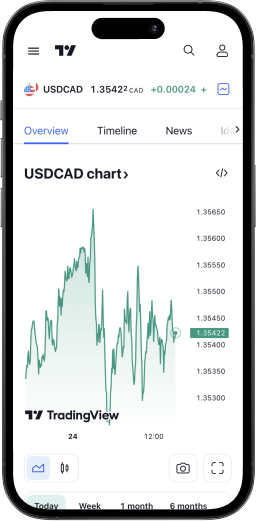
TradingView for iPhone

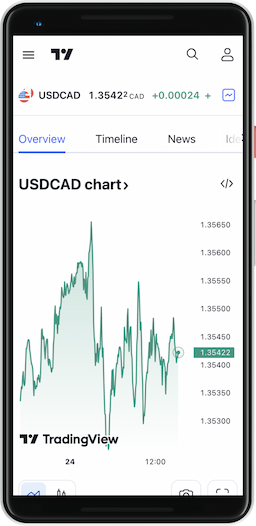
TradingView for Android

MetaTrader 5
MetaTrader 5 for desktop
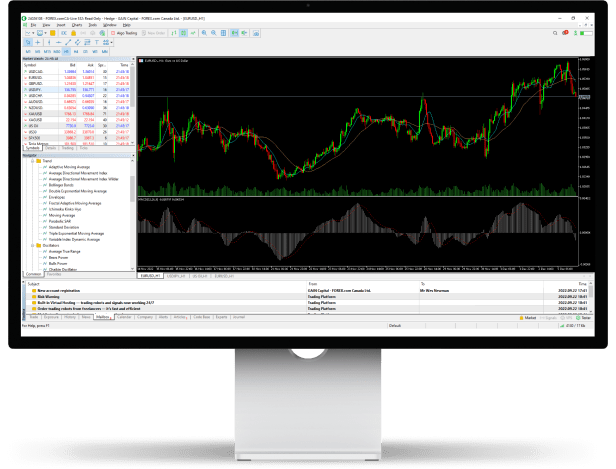
Trade stock CFDs, indices, FX and commodities on a fully featured MT5 platform compatible with all browsers and operating systems. No downloads or plug-ins required.
Download MT5 for Windows ▸
Download MT5 for Mac ▸
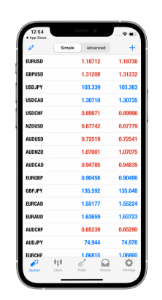
MT5 iPhone and iPad app

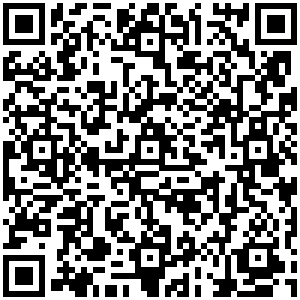
MT5 Android app
MetaTrader 4
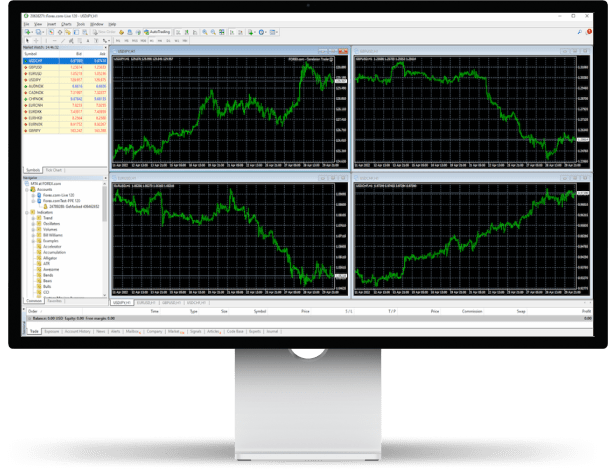
MetaTrader 4 for desktop
Access Expert Advisors and a broad range of technical indicators.
Download MT4 for Windows ▸
Download MT4 for Mac ▸
MT4 iPhone and iPad app
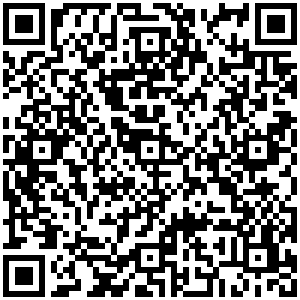
MT4 Android app
Platform Download FAQs
What markets can I trade on the FOREX.com desktop app?
Is there a downloadable version of the FOREX.com platform?
We offer a legacy desktop platform you can download and install on your computer. However, this platform is no longer being maintained or supported. Therefore, we recommend using our Web Trading or Mobile Apps instead. If you still wish to download the legacy platform, you can click here.
What are the MetaTrader for desktop system requirements?
- Operating system: Windows 7, 8 and 10, and all system versions of Mac OS
- Screen resolution: Minimum of 800 x 600
- Internet: Connection speed of 36.6 Kbps or faster
You will find more information on our desktop trading platform FAQs page.
How do I access my FOREX.com account on TradingView?
What browsers are supported ?
Web Trader is supported on all modern browsers. Chrome 56 (and newer versions) is recommended for our platform, but it will work on Internet Explorer and Mozilla Firefox 52. You don’t need to have Flash to access our Web Trader platform.