
Web trading
Fast, powerful and secure – this is your gateway to the markets.






It's time to seize the markets
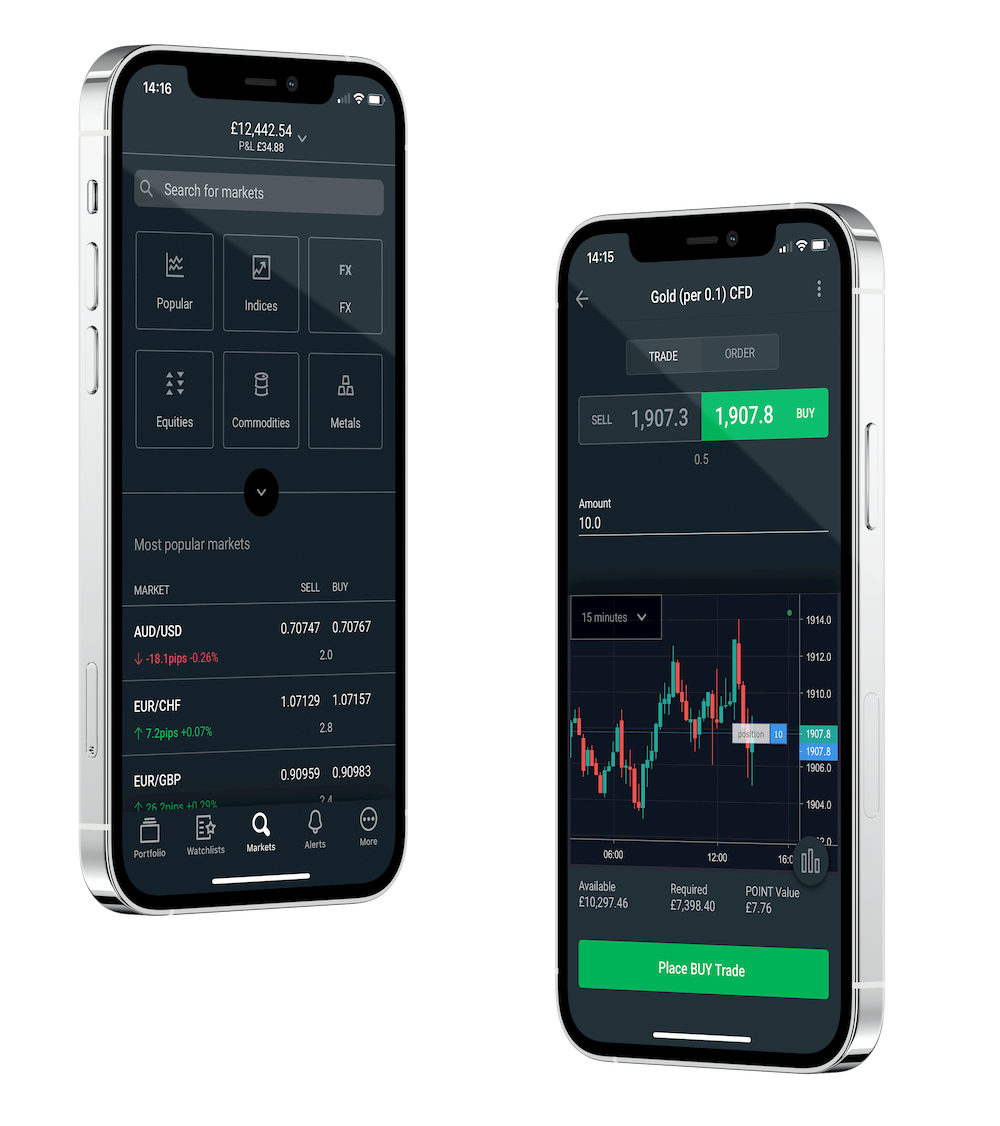
Mobile app
Trade on-the-go with our award-winning app on iPhone and Android.
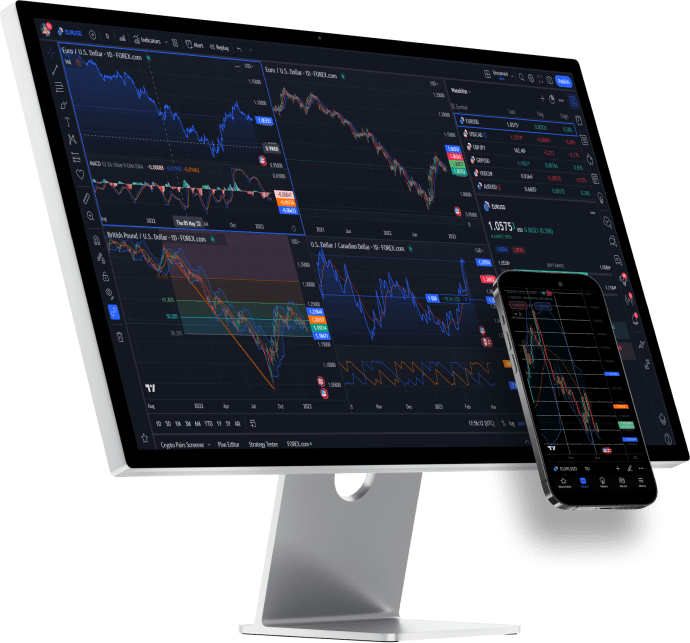
TradingView
Trade on TradingView's web, mobile, or downloadable platforms.

MetaTrader
Get the best out of the world’s most popular trading platform.

Download Centre
Download the latest versions of all our available platforms including MT4.
Over 30 Global Awards
Best in Class Overall
ForexBrokers.com 2026 Annual Awards
Best in Class Mobile Apps
ForexBrokers.com 2026 Annual Awards
Best in Class Platforms & Tools
ForexBrokers.com 2026 Annual Awards
Best in Class - Trust Score
ForexBrokers.com 2026 Annual Awards
Web Trading Platform tutorials
Find out how our Web Trading Platform works with these short and informative video guides.



FAQs
How current is the information on the web platform?
The web platform uses real-time data.
Was this answer helpful?
How do I add or remove markets from my Watchlist?
To add a market, click the 'Add Symbol' field at the top of the Watchlist and type in the symbol of the market you wish to add. To remove a market, hover your cursor over the market and click the red X that appears. You may also reorder your Watchlist by simply clicking and dragging the market entries.
Was this answer helpful?
What browsers are supported?
Our Web Trader platform is compatible with all modern browsers.
Was this answer helpful?
If you have more questions visit the WebTrader FAQ section or start a Chat with our support